
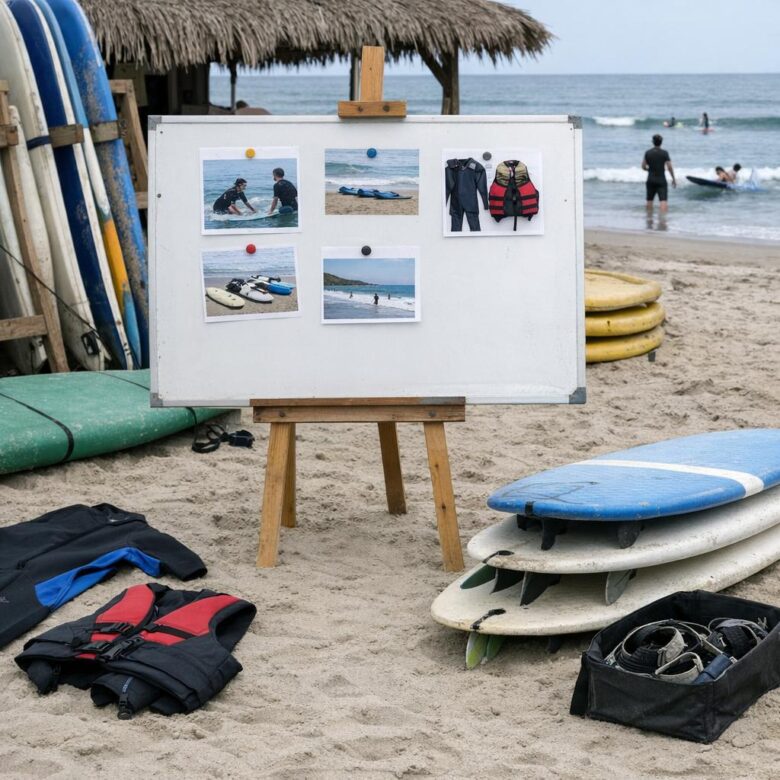
Before booking beginner surf lessons, check instructor credentials, group size, safety briefing, equipment quality, and beach conditions.
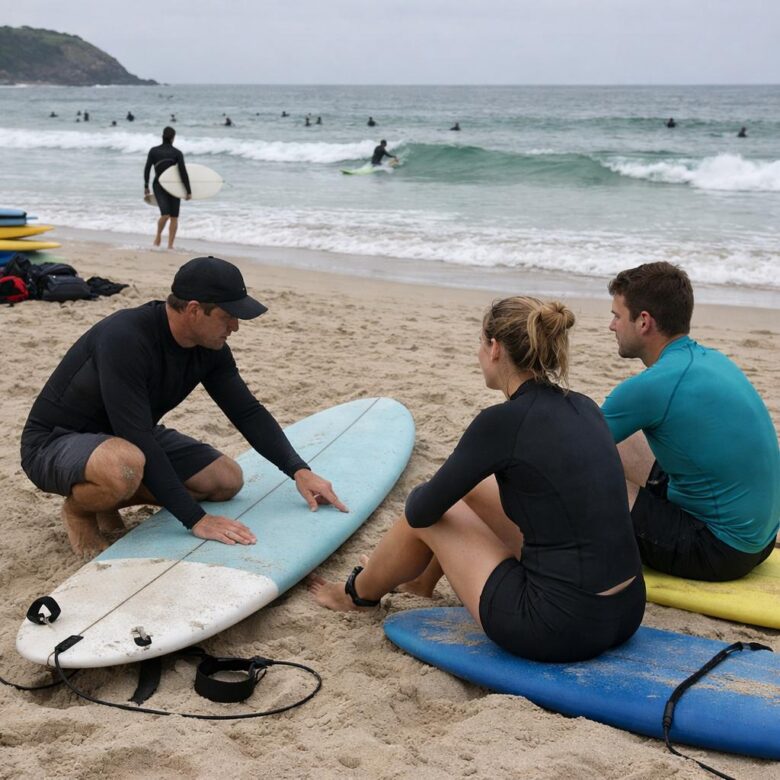
Most beginners can stand up in a lesson or two, but confident surfing often takes months of consistent practice. Learn what affects progress, from fitness and waves to coaching and board choice.
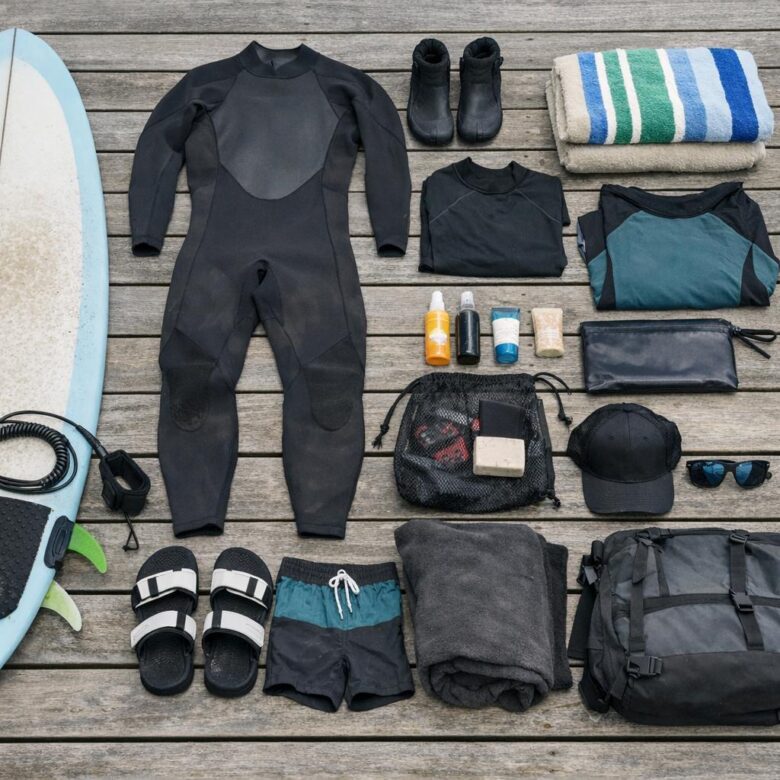
Beginner surf checklist:
- Soft-top board, leash, wax
- Wetsuit or rash guard
- Reef-safe sunscreen, towel, water, first-aid kit
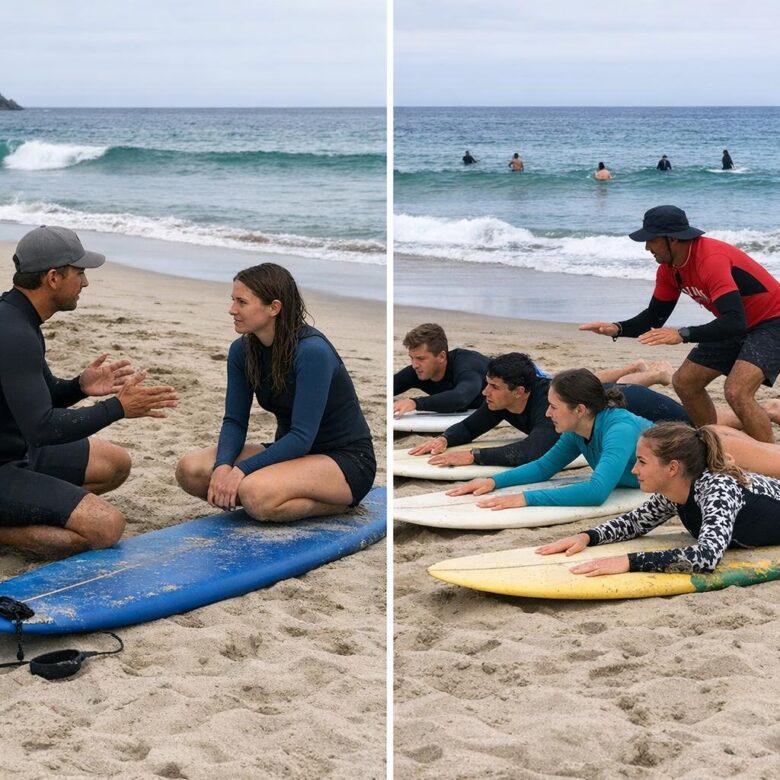
Private surf lessons suit faster, tailored progress; group classes offer value, social energy, and shared practice.
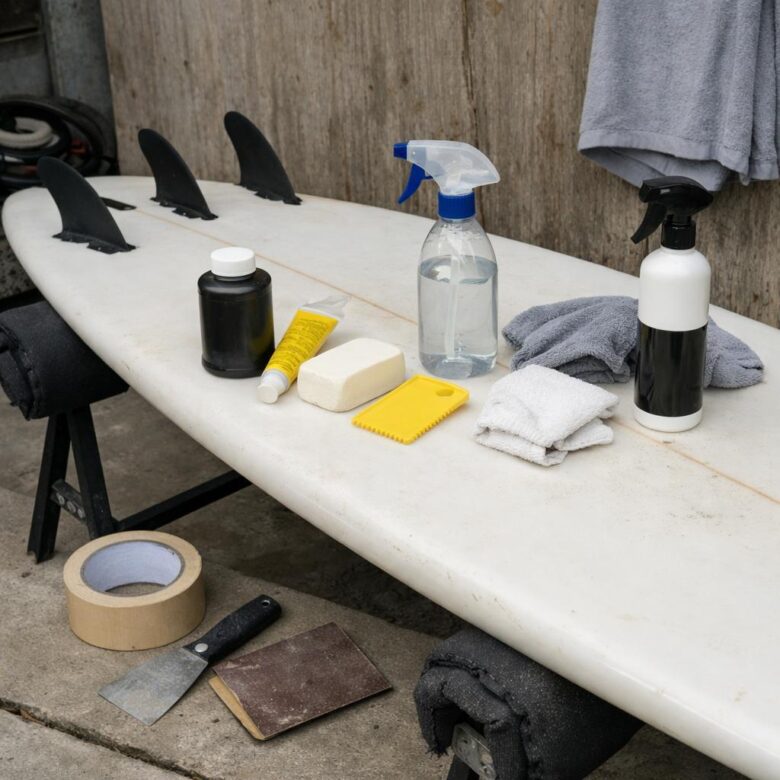
Protect your surfboard with simple habits: rinse after every session, store it out of sun and heat, use a padded bag, and repair dings promptly to prevent water damage.
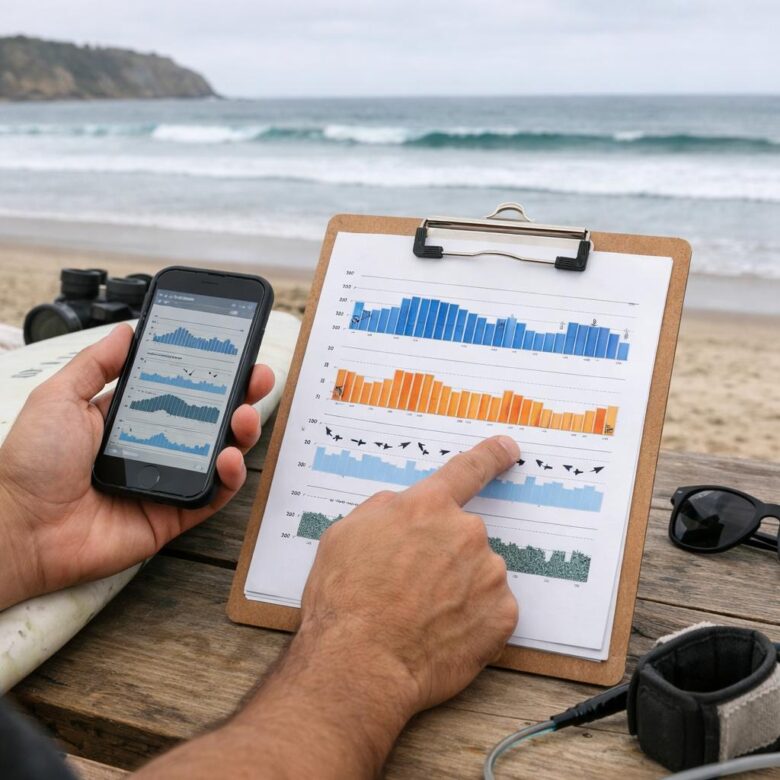
Read swell height, period, wind, and tide together before choosing a beach. Match the forecast to local exposure: sheltered coves suit bigger swells; open beaches need cleaner winds.

Surf camps often suit tighter budgets, bundling lessons, gear, and shared lodging. Surf resorts cost more but add privacy, comfort, and premium amenities.
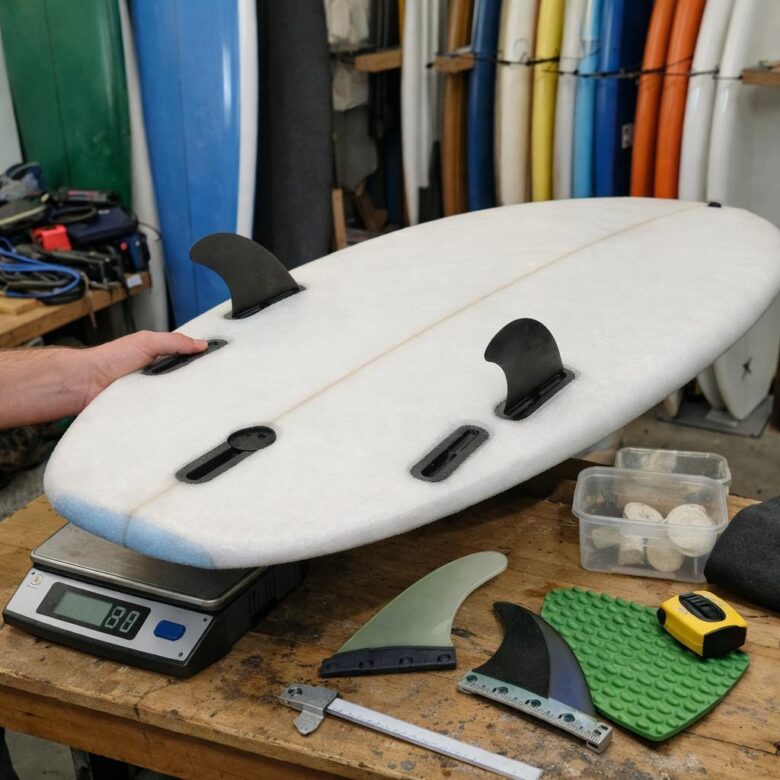
First board? Check volume, length, stability, construction, and fin setup. Choose a forgiving foam or soft-top matched to your weight, skill level, and local waves.
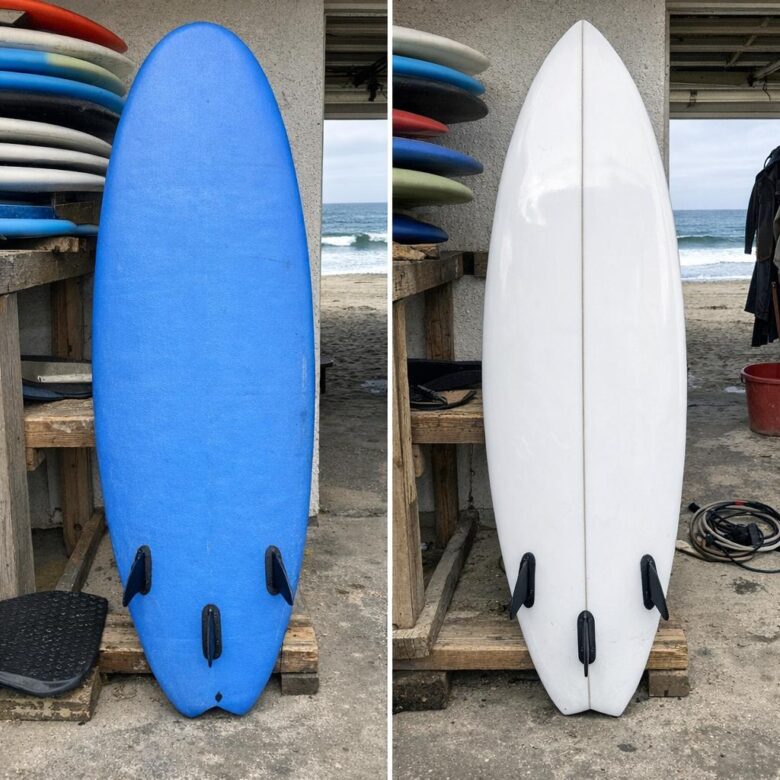
Soft tops offer safer, forgiving rides for beginners, while hard tops deliver sharper performance. For a first board, choose soft unless you already surf confidently.
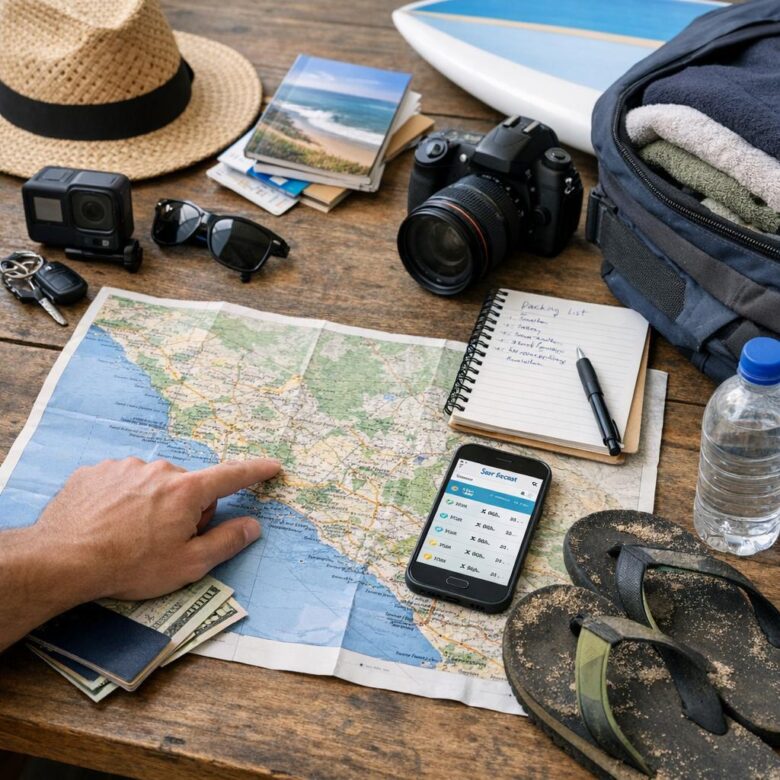
First surf trip? Choose a beginner-friendly break, check seasonal swell and winds, book flexible lodging near the beach, and pack reef-safe sunscreen plus a basic ding repair kit.